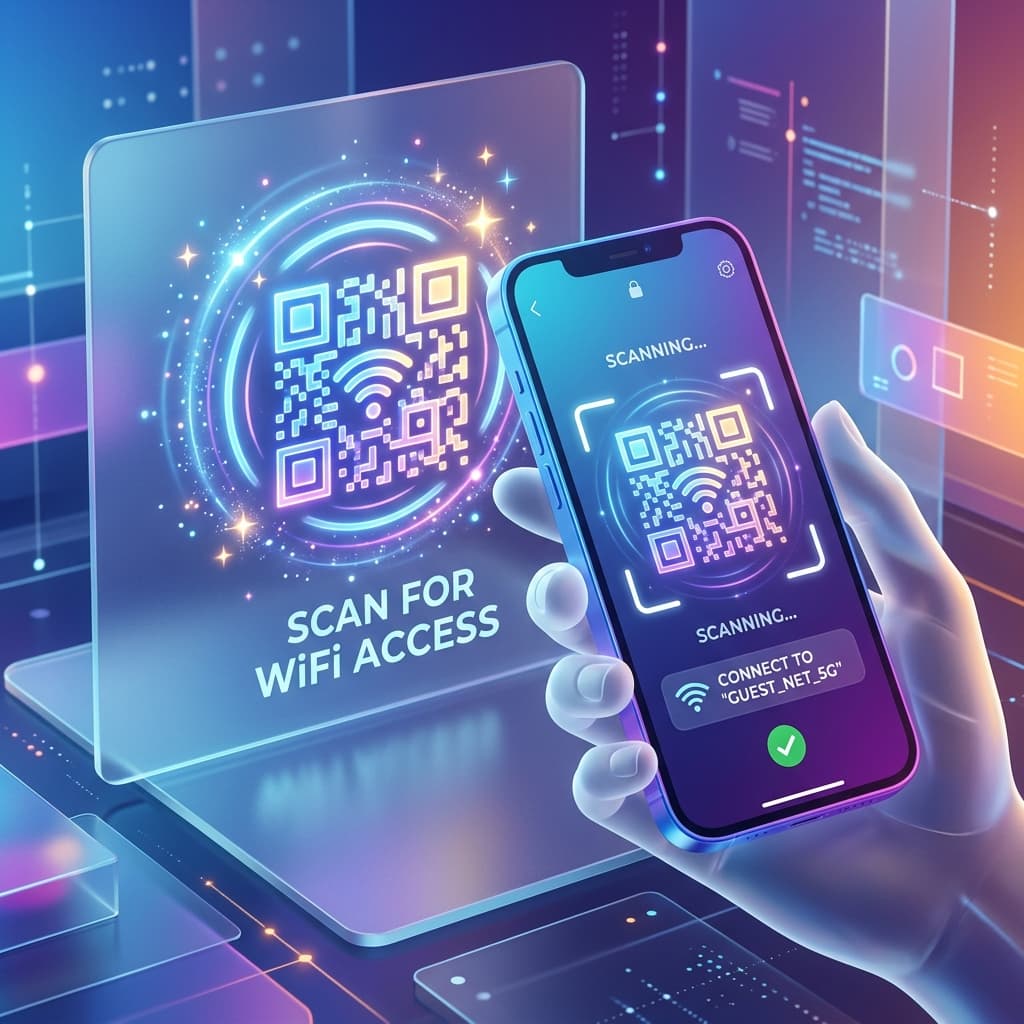
Free WiFi QR Code Generator — No Password Required
Let guests connect to your Wi-Fi instantly by scanning a QR. No typing, no frustration.

QR Code Generator: Create your Free QR Code
Generate branded QR codes in seconds, choose your niche frame, and instantly track your scans.
Complete the content
Design your QR
Download your QR
If you run a café, hotel, restaurant, office, or Airbnb, you know the most common guest question: "What's the WiFi password?" With a WiFi QR code, that question disappears forever. Guests simply scan the code with their iPhone or Android and they are connected — automatically, instantly, and without error.
How to Create Your WiFi QR Code in 3 Steps
Best Practices for Placing WiFi QR Codes
Is a WiFi QR Code Secure?
Common Questions & Answers
Does the WiFi QR code show my password?
The QR code contains encoded credentials but they are not visible. However, anyone who scans it can connect to your network, so treat it like a public-facing password. Using a guest network is recommended.
Will it work without any app on iPhone?
Yes. iPhones running iOS 11 and later can scan WiFi QR codes directly with the native Camera app — no third-party app needed.
Can I use it for a hidden network?
Our generator supports hidden networks (SSID not broadcasted). The QR format includes a hidden parameter so the device can still join automatically.
How big should I print the QR code?
For a standalone card, 4×4cm is ideal. For a wall poster or display, 8×8cm or larger ensures reliable scanning from distance.