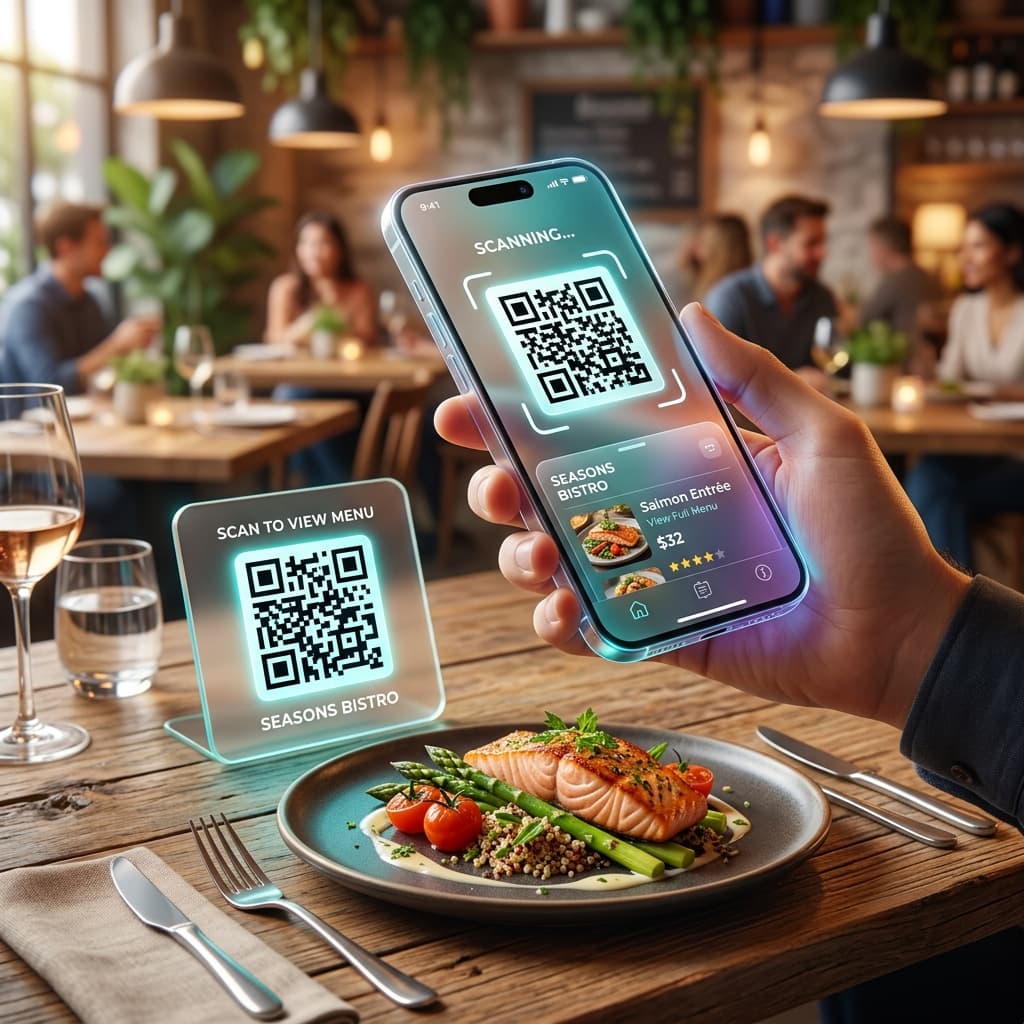
Create a contactless digital menu for your restaurant. Customers scan once and view your full menu instantly.
Since the global shift to contactless dining, QR code menus have become the industry standard for restaurants, bars, cafés, and food trucks. They eliminate printing costs, allow real-time updates, and dramatically improve the guest experience. Here's everything you need to know about creating an effective QR code for your restaurant menu.
Why Every Restaurant Needs a QR Code Menu in 2026
Paper menus are expensive to print, difficult to update, and unhygienic to share. A QR code menu solves all three problems at once. Your menu lives online — whether as a PDF, a website, or a digital ordering system — and the QR code is just a permanent bridge to it. When you update prices, add seasonal dishes, or run a daily special, you simply update the linked file. The QR code on your tables never changes. Studies show that 73% of diners prefer digital menus for their speed and cleanliness, and restaurants using QR menus report up to 30% higher average order values because customers browse at their own pace without feeling rushed.
Step-by-Step: Setting Up Your Restaurant QR Menu
Step 1 — Upload your menu: Host your PDF or menu page online. You can use Google Drive, Dropbox, your restaurant website, or a service like Canva's published pages. Get a shareable direct link. Step 2 — Generate the QR code: Select "Menu" in the generator above, paste your menu URL, and the QR code generates instantly. Step 3 — Customize: Use the color pickers to match your restaurant's brand. A QR that matches your visual identity looks more professional and trustworthy. Step 4 — Download and print: Download the high-res PNG and print it on table tents, stickers, napkin rings, or A-frame signs.
Menu QR Code Design Tips for Maximum Scans
Always add a call to action above the QR code: "🔍 Scan to View Our Menu" or "📱 Tap to Order Online." Without context, many diners may not know what the QR leads to. Use high contrast — black on white remains the most reliable. Test your QR code at the lighting level of your restaurant; dim lighting in some venues can affect scanning. Laminate table tents to protect QR codes from spills and wear. Replace the QR if the underlying URL changes.
Advanced: Link Directly to a PDF Menu
If you're using a PDF menu hosted on Google Drive, ensure the sharing setting is "Anyone with the link can view." Use the direct view link format rather than the download link, so the PDF opens in the browser rather than downloading. For an even better experience, tools like Adobe Acrobat, Flipsnack, or IssuU let you host beautiful digital magazines that look stunning on mobile screens.
Common Questions & Answers
Do I need an app to view the menu?
No. Guests scan the QR with their native camera app and the menu opens in their browser. No app download required.
Can I update my menu without reprinting the QR?
Yes — if you use a static QR code pointing to a hosted file, just update the file. The QR code itself does not change.
What's the best format for a mobile menu?
A responsive HTML menu page or a mobile-optimized PDF are both excellent. Avoid large PDFs (over 5MB) as they load slowly on mobile data.
Can I use this for takeout ordering?
Yes. Link to your online ordering platform (e.g., Uber Eats, your restaurant's own ordering page) and the QR code will direct customers straight there.
Other Powerful QR Generators